Home TV Remote
Works with Google TV
A fast, private iPhone remote for Google TV and Android TV. It connects straight to your TV over your home Wi-Fi.
Coming soon to the App Store
The short version
- Works with
- Google TV and most Android TV devices
- Needs
- An iPhone with iOS 18 or later
- Connects over
- Your home network, straight to the TV
- Account
- None
- Data collected
- None
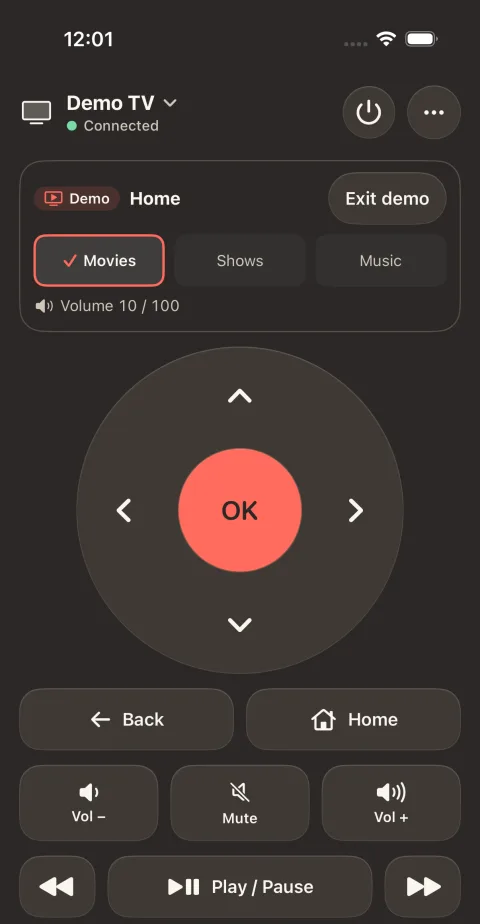
Opens straight to the remote
There is nothing to tap through first, and the app reconnects to your TV on its own.
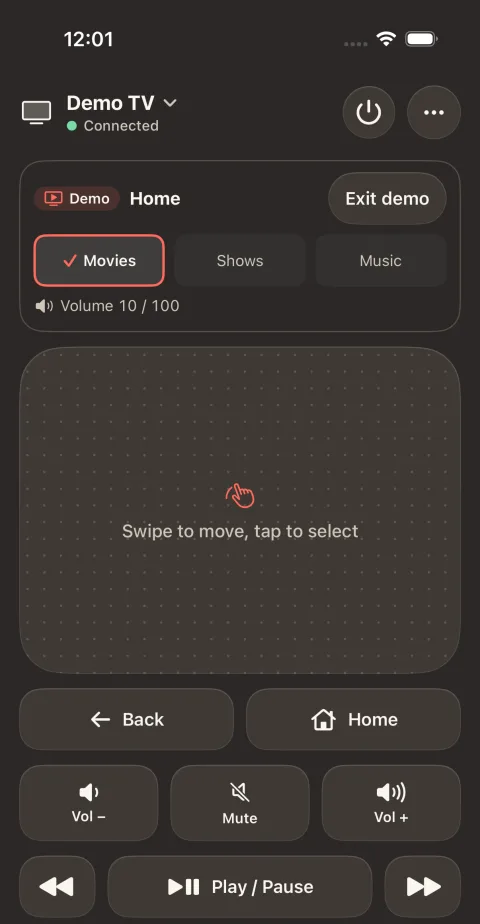
Use the directional pad, or switch to a trackpad and swipe. Volume, mute, channels, the number pad, input and captions are there too, and the keys answer with a tap you can feel, so your eyes stay on the TV.
The top of the screen shows what the TV is doing: power, volume and the app it has open.
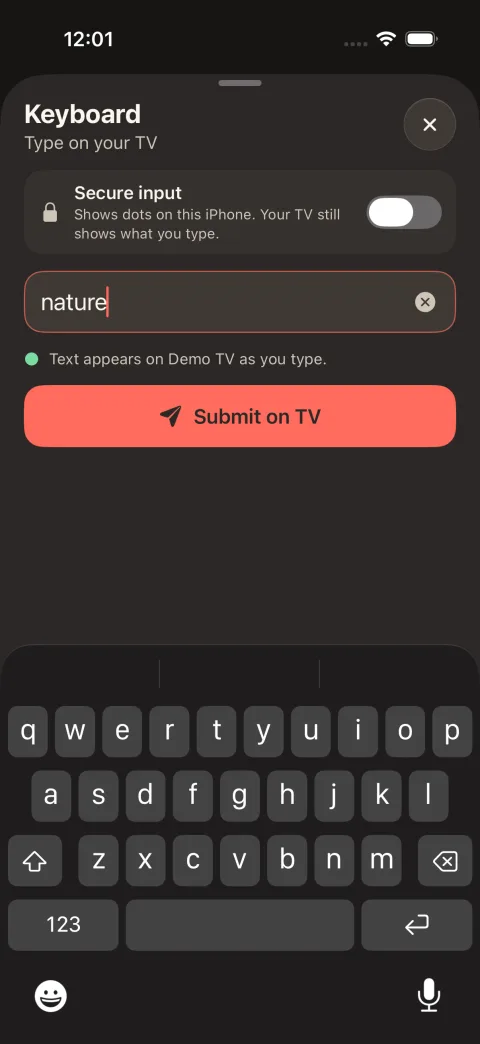
Type with your iPhone keyboard
Searching with arrow keys is slow. Pick a text field on the TV, then type on your phone.
You can paste too, including from your password manager, which helps when a TV app asks you to sign in.
One app for every TV at home
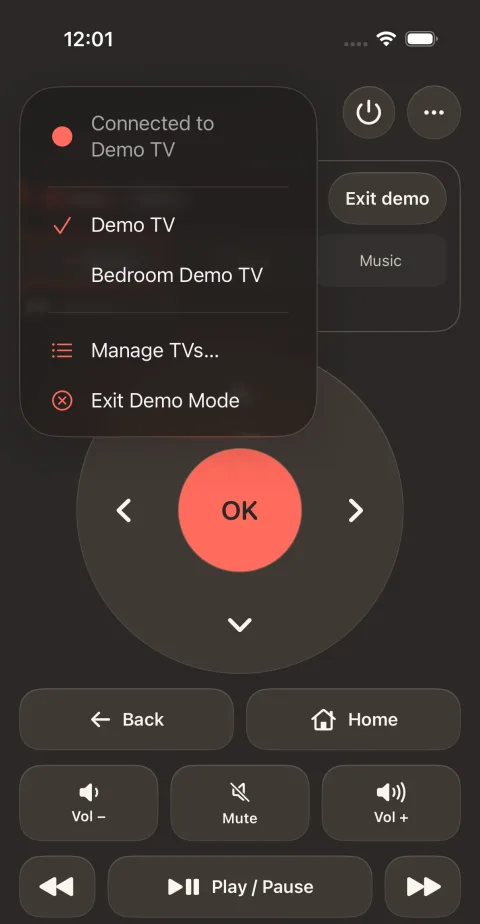
Pair the living room, the bedroom and any other TV, and switch between them from the top of the remote.
Demo Mode lets you try the app without a TV.
Without opening the app
- Control Center Buttons for Play/Pause and Mute
- Widgets Home Screen and Lock Screen
- Siri and Shortcuts "Pause the TV with TV Remote"
- Action button
The app supports VoiceOver and Dynamic Type.
It talks only to your TV
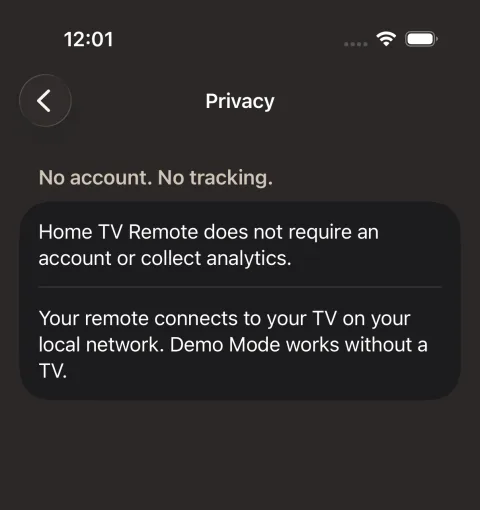
Home TV Remote connects to your TV on your local network and to nothing else. We collect no data.
There is no account to create and no server behind the app. What you press and type goes from your iPhone to your TV, encrypted, and nowhere else.
Will it work with my TV?
It works with devices running Google TV, such as Chromecast with Google TV, Google TV Streamer and TVs with Google TV built in, and with most Android TV devices.
The TV needs the Android TV Remote Service, which most of them have preinstalled. Your iPhone and your TV must be on the same network, so the app can't control a TV while you're away from home.
It doesn't work with Apple TV or Roku.